
Best Lightroom Presets for 2026
If you’ve ever opened Adobe Lightroom, stared at your raw files, and thought “I don’t have time for this…” — you’re not alone. Every photographer hits that wall eventually. This is where Lightroom presets completely change the game. They save hours, create consistent color across your entire gallery, and help your photos look polished even when the shoot wasn’t perfect.
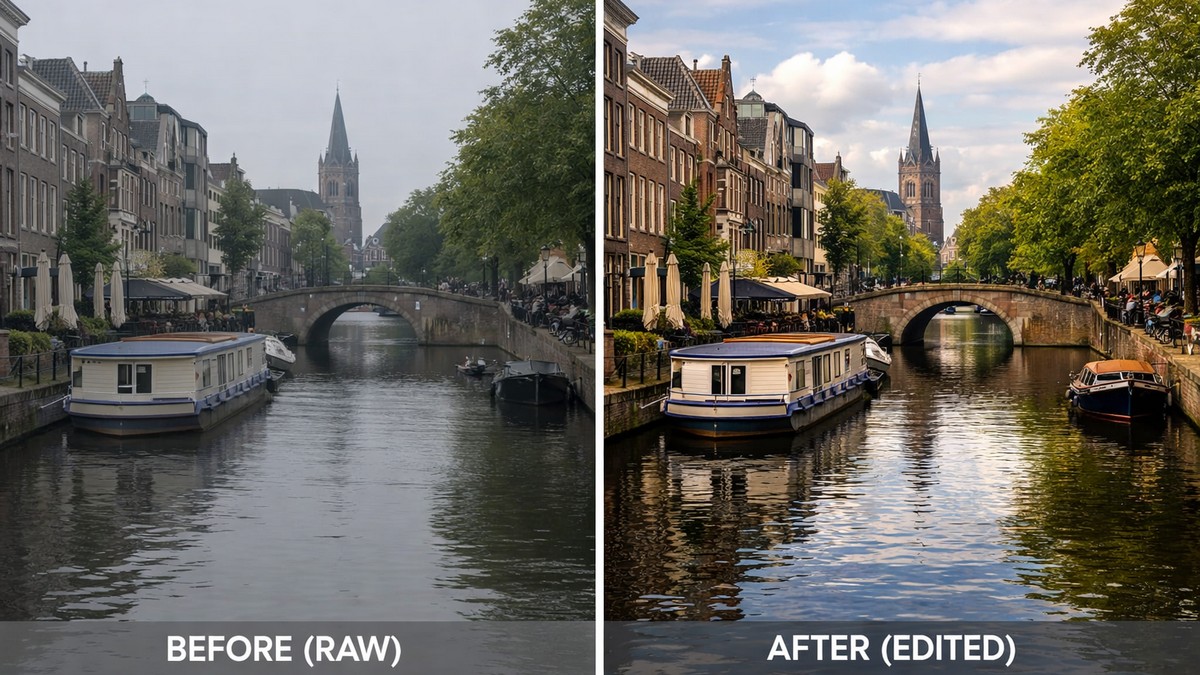
But the real problem?
There are thousands of presets out there — good, bad, and “why does my photo look radioactive?” This guide breaks everything down in a clean, practical way, so you can choose presets that actually improve your workflow, not ruin it.
LIGHTROOM PRESETS
If you want to level up your photo editing and color grading, I’ve put together a page with my favorite presets — the ones that actually work — plus exclusive discounts. Open it in a new tab and save it for later, so you always have a go-to place for reliable tools and inspiration.
CHECK IT OUTWhy Lightroom Presets Still Matter in 2026
Photography trends move fast, but one thing remains true: a strong edit can instantly level up an average shot. Presets matter today even more than a few years ago because:
- Social platforms favor well-edited photos
- Clients expect consistent color styling
- Modern cameras record massive dynamic range — presets help control it
- Editing time is the biggest bottleneck for beginners and professionals alike
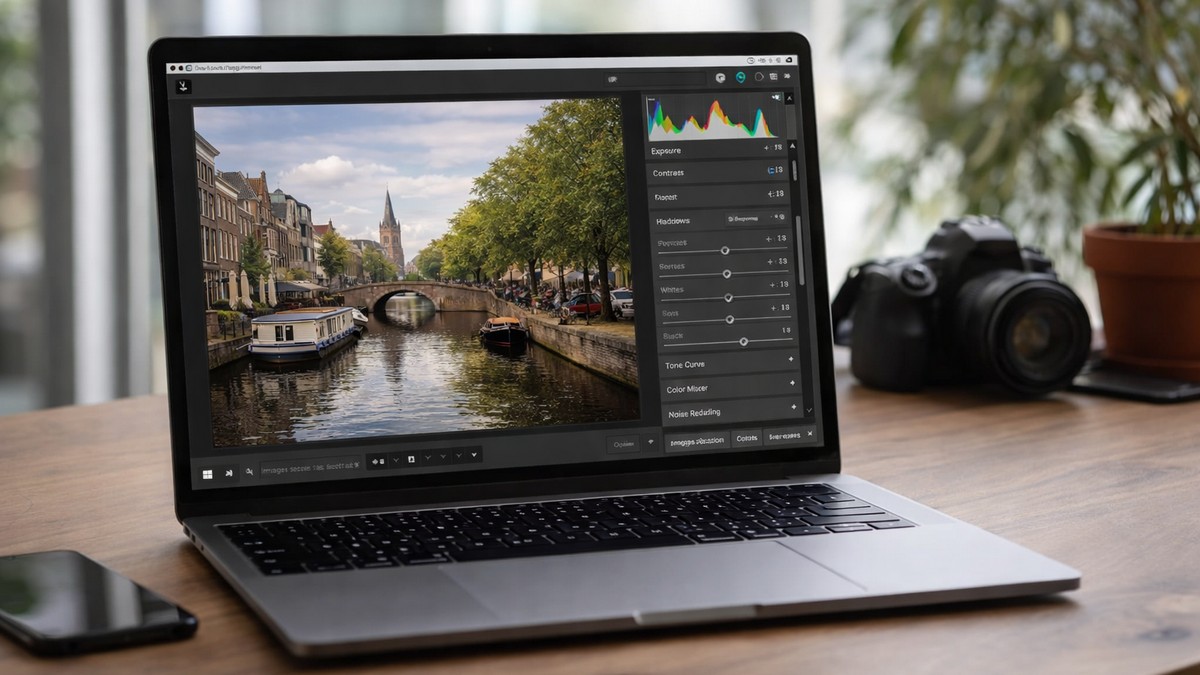
Presets don’t replace your creativity — they amplify it. Think of them as a shortcut to a style you can refine later.
Types of Lightroom Presets You Should Know
Before looking at the “best of 2026,” it helps to know what style category you’re actually searching for. These are the most popular preset types photographers rely on.
1. Portrait Presets
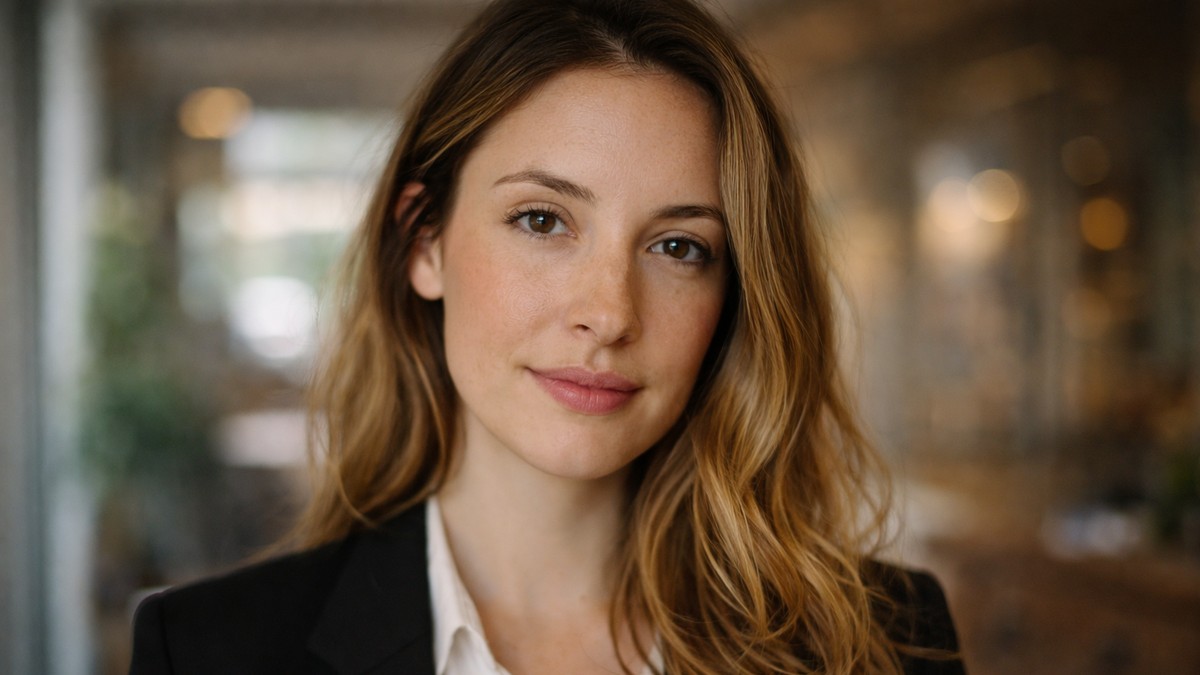
Focused on skin tones, soft contrast, warm highlights, and natural-looking sharpening. Great for studio work, lifestyle shoots, and family portraits.
Best for: portrait photographers, influencers, wedding shooters.
2. Travel Presets
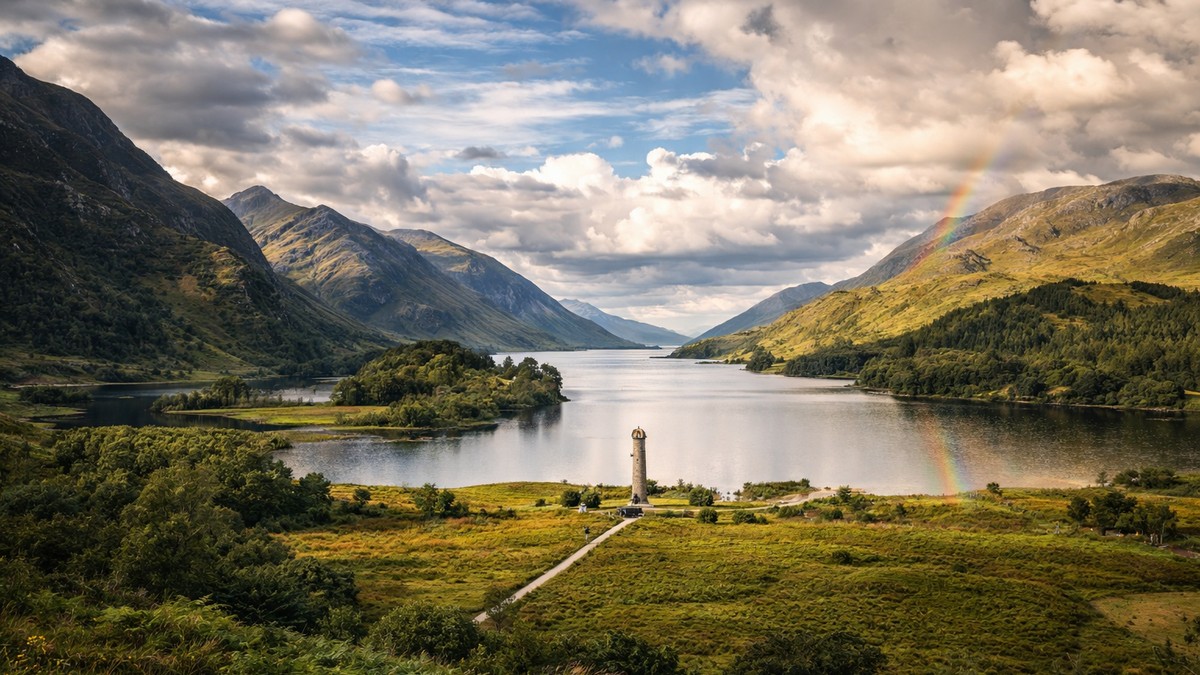
Designed to boost colors, skies, and textures without destroying natural tones.
Best for: travelers, bloggers, landscape shooters.
3. Moody Presets
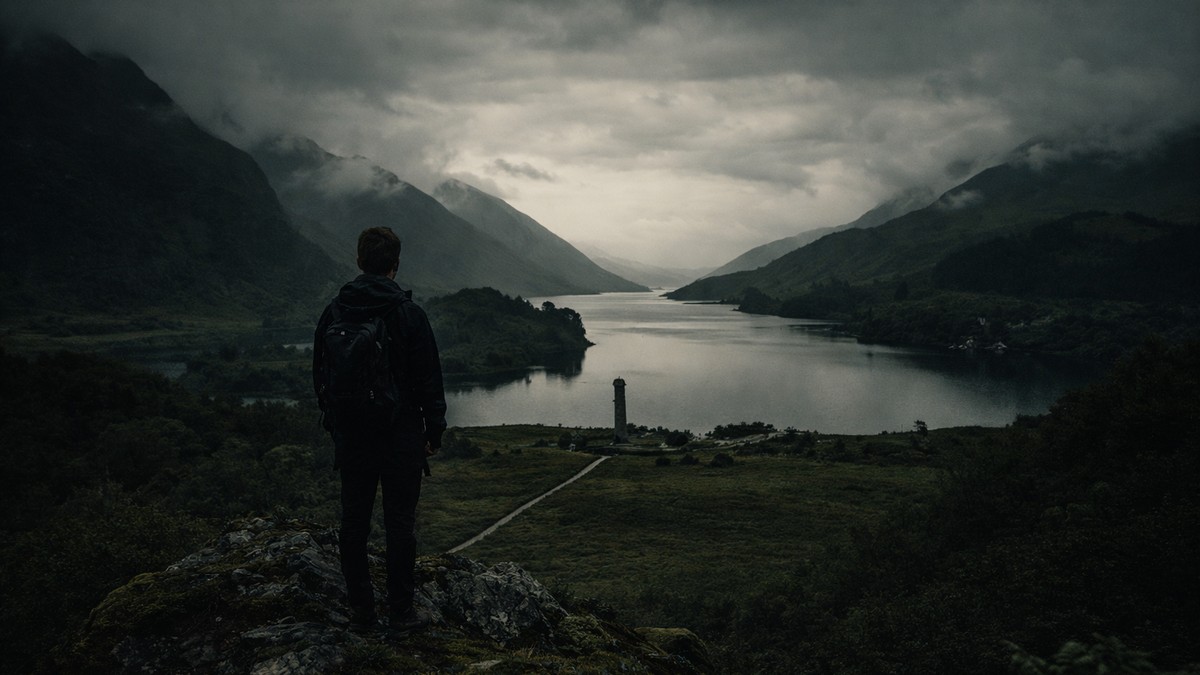
Dark greens, soft highlights, deep blacks — the signature “cinematic Instagram” look.
Best for: portrait & lifestyle photographers who love dramatic tones.
4. Film-Inspired Presets
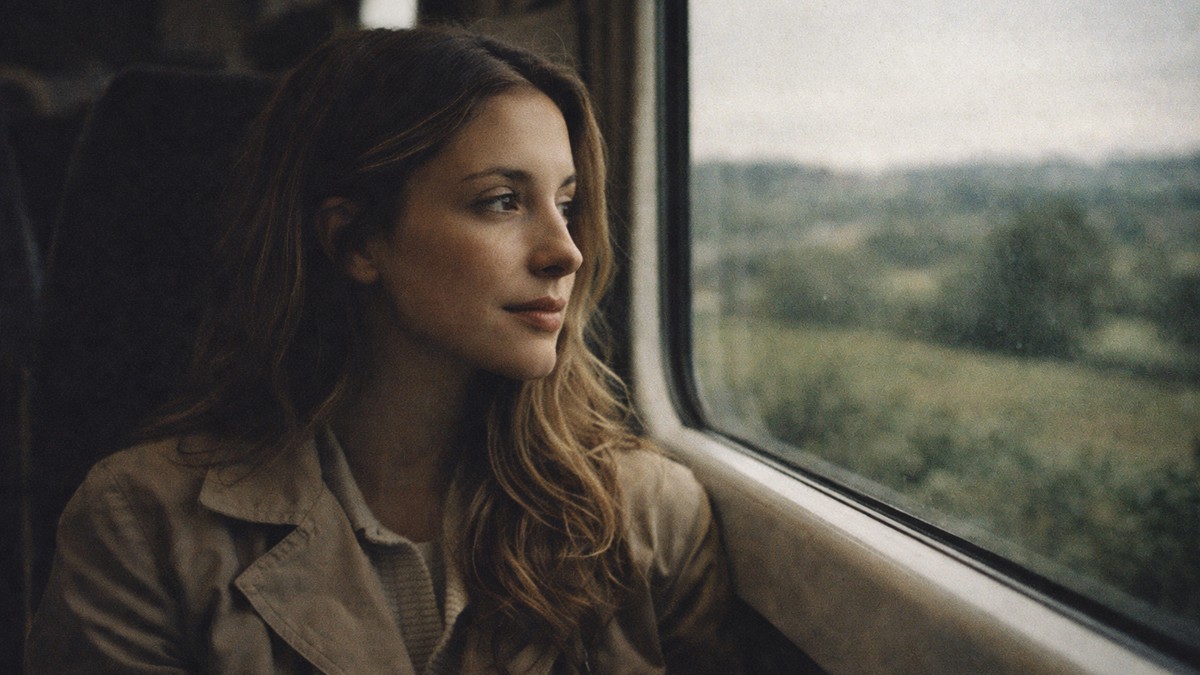
Grain, muted hues, soft contrast, analog color science.
Best for: editorial photography, storytelling, artistic shoots.
5. Clean & Minimal Presets
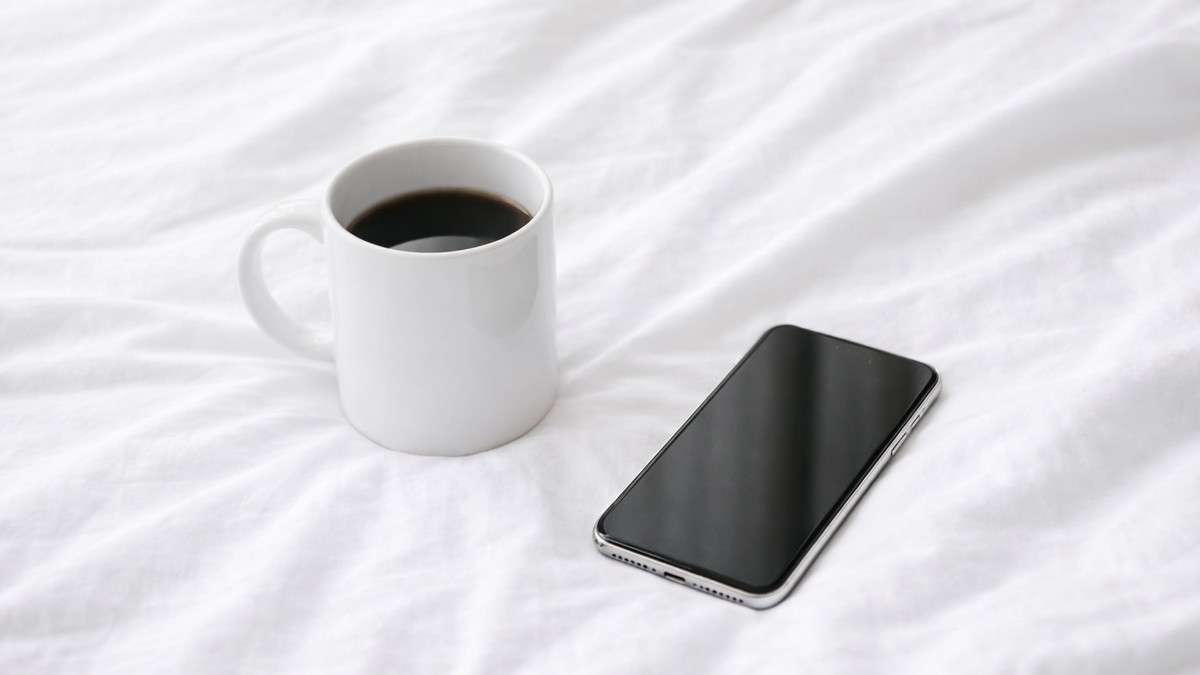
Bright whites, muted shadows, crisp details.
Best for: product photographers, food creators, minimalistic Instagram feeds.
LIGHTROOM PRESETS
If you want to level up your photo editing and color grading, I’ve put together a page with my favorite presets — the ones that actually work — plus exclusive discounts. Open it in a new tab and save it for later, so you always have a go-to place for reliable tools and inspiration.
CHECK IT OUTBest Lightroom Presets in 2026 by Category
Below — the categories that consistently bring the best results for beginners and professionals. The idea isn’t to buy 200 presets. The idea is to find one strong pack for everyday work and one creative pack for special projects.
Best Portrait Presets
Portrait presets win when they keep skin tones consistent. No one wants orange faces or magenta highlights. In 2026, the best portrait presets usually include:
- soft color grading
- built-in skin smoothing
- adjustable white balance shifts
- natural contrast curves
Look for presets that work on both indoor and outdoor light, or you’ll constantly tweak them.
Best Travel & Landscape Presets
Travel photography is unpredictable. Some locations are overcast, some are too bright, some are mixed lighting disasters. A strong travel preset should:
- lift shadows without flattening detail
- improve sky color
- keep greens natural
- protect your highlights
A single preset rarely fits every travel scene — that’s why good packs include versions like “Soft,” “Vivid,” “Sunset,” or “Overcast.”
Best Moody Presets
Moody editing never dies; it just evolves. In 2026, the strongest moody presets emphasize:
- deep contrast but not crushed blacks
- desaturated greens and warm skin tones
- cinematic color shifts
- soft matte shadows
They’re perfect for Instagram storytelling and portrait sessions with atmosphere.
Best Film-Look Presets
Everyone loves film tones because they feel emotional and timeless. Film presets recreate popular stocks like Fuji, Kodak, and Ilford by using:
- muted color palettes
- softer micro-contrast
- subtle grain
- lifted shadows and warm highlights
These presets shine when you want clean storytelling rather than high-impact edits.
Best Presets for Everyday Editing
If you shoot everything — portraits, coffee shops, city streets, random sunsets — your main preset should be:
- universal
- fast
- not overly stylized
Minimal contrast, neutral color science, and gentle sharpening make edits look professional without feeling “heavy.”
How to Choose the Best Presets for Your Style
A preset is only as good as its compatibility with your photography. Here’s how to pick the right one.
1. Match the preset to your camera
Some packs are designed for Canon, Sony, Nikon, or Fujifilm color profiles. The closer the profile match, the cleaner your result.
2. Choose presets based on your lighting
Indoor vs outdoor vs golden hour require different toning.
3. Stay away from overly strong presets
If the preset destroys the photo in one click — that’s a red flag. Good presets enhance, not overpower.
4. Look for packs with adjustment variations
A preset with «Soft,» «Strong,» «Indoor,» and «Outdoor» versions is much more flexible.
How to Use Lightroom Presets Properly (Beginner-Friendly Tips)
Presets are not magic buttons. They work best when you adjust them slightly:
- fix exposure before applying a preset
- adjust white balance after
- tweak contrast to match your lighting
- reduce sharpening on portrait work
- add grain only when needed
These small touches can turn a decent preset into your signature style.
Are Free Lightroom Presets Worth It?
Some are great. Most are not.
Free presets are usually:
- too strong
- badly color-calibrated
- inconsistent
- made for one specific camera
But if you’re just starting, free presets can help you understand what kind of editing you actually like.
Final Thoughts: The Best Lightroom Presets Are the Ones That Fit Your Workflow
You don’t need hundreds of presets. You need:
- one clean preset for everyday work
- one stylized preset for creativity
- one portrait preset for skin tones
- one travel preset if you shoot outside often
When presets match your style, editing becomes faster, cleaner, and more enjoyable. And your photos finally look consistent — which is something every photographer, blogger, or creator eventually needs.
LIGHTROOM PRESETS
If you want to level up your photo editing and color grading, I’ve put together a page with my favorite presets — the ones that actually work — plus exclusive discounts. Open it in a new tab and save it for later, so you always have a go-to place for reliable tools and inspiration.
CHECK IT OUT

