
Best Lightroom Presets for Portrait Photography
Portrait photography is unforgiving. If colors are off, skin tones look unnatural, or contrast is too harsh, the entire image falls apart. That’s why portrait photographers rely heavily on Lightroom presets — not as shortcuts, but as tools to maintain consistency and speed without sacrificing quality.
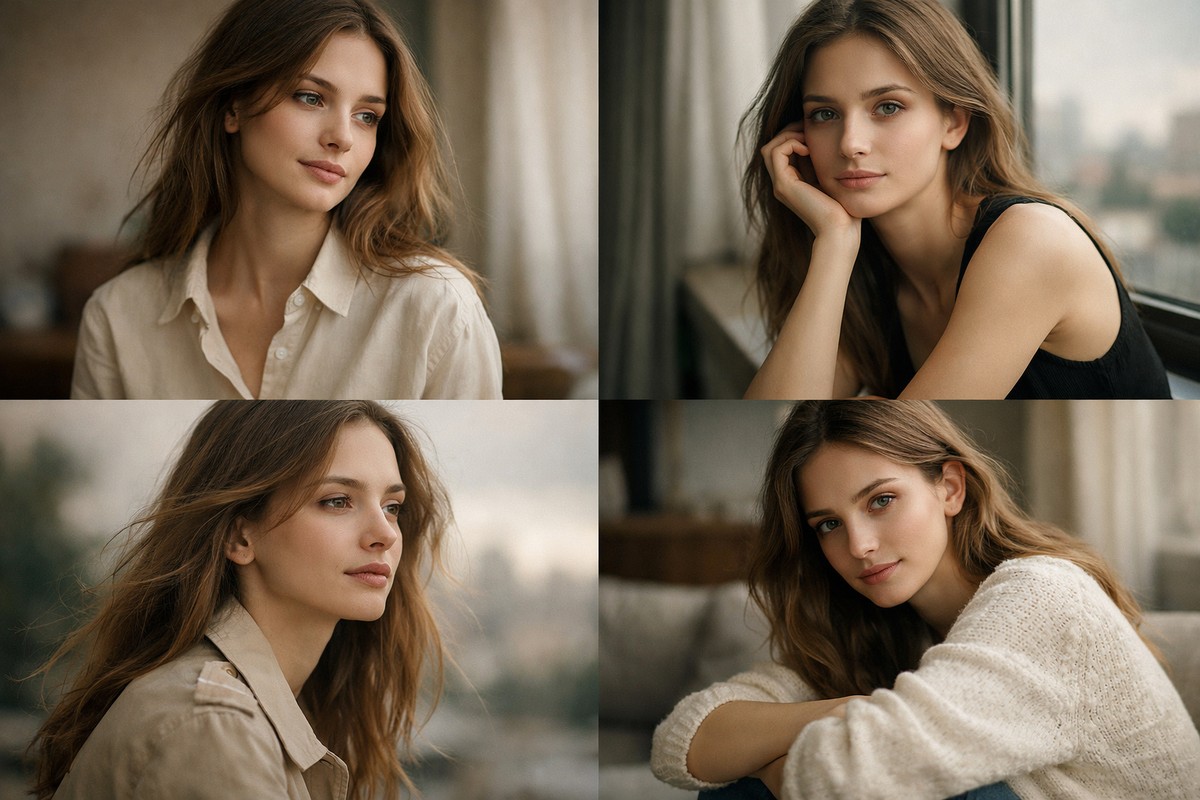
This guide breaks down the best Lightroom presets for portraits, what actually makes them work, and how to choose presets that enhance faces instead of ruining them.
LIGHTROOM PRESETS
If you want to level up your photo editing and color grading, I’ve put together a page with my favorite presets — the ones that actually work — plus exclusive discounts. Open it in a new tab and save it for later, so you always have a go-to place for reliable tools and inspiration.
TAKE A LOOKWhy Portrait Presets Matter More Than Any Other Type
Portrait editing is different from landscapes or travel photos. You’re working with people, emotions, and skin — not just colors and contrast.
Good portrait presets help you:
- maintain natural skin tones
- soften harsh light
- control contrast gently
- save time on repetitive edits
- keep a consistent style across sessions
Bad presets do the opposite: they oversaturate skin, add harsh clarity, and make faces look artificial.
What Makes a Great Portrait Preset
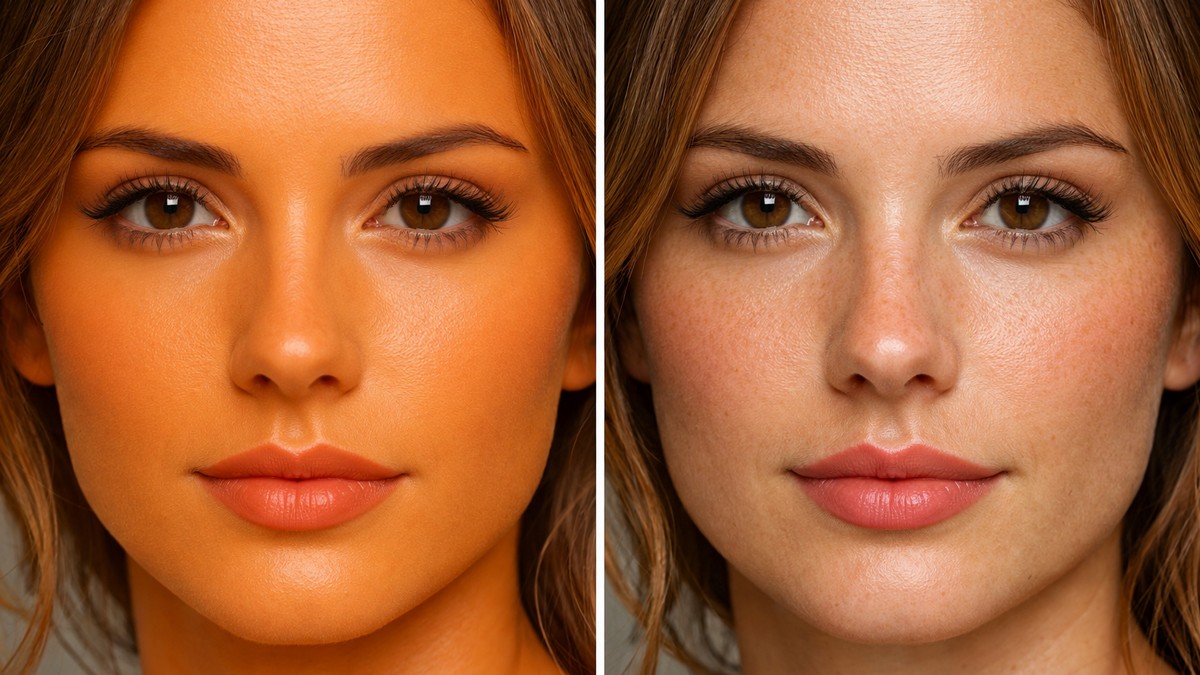
Not all presets are created equal. The best portrait presets share a few core characteristics.
Natural Skin Tone Handling
Skin should look warm and alive — never orange, pink, or gray.
Soft Contrast
Portraits need depth, but harsh contrast exaggerates wrinkles and texture.
Controlled Highlights
Foreheads, noses, and cheeks catch light easily. Good presets protect highlights instead of blowing them out.
Gentle Texture Control
Fine detail is preserved while harsh texture is reduced.
A portrait preset should enhance a face, not dominate it.
Types of Portrait Lightroom Presets
Portrait presets come in several styles. Knowing the difference helps you choose the right look for your work.

Clean & Natural Portrait Presets
These are the most versatile and professional-looking presets.
They usually feature:
- neutral white balance
- soft contrast
- accurate skin tones
- minimal color shifts
Best for:
- studio portraits
- lifestyle photography
- client work
- brand photography
This style ages well and works in almost any lighting.
LIGHTROOM PRESETS
If you want to level up your photo editing and color grading, I’ve put together a page with my favorite presets — the ones that actually work — plus exclusive discounts. Open it in a new tab and save it for later, so you always have a go-to place for reliable tools and inspiration.
TAKE A LOOKWarm Portrait Presets
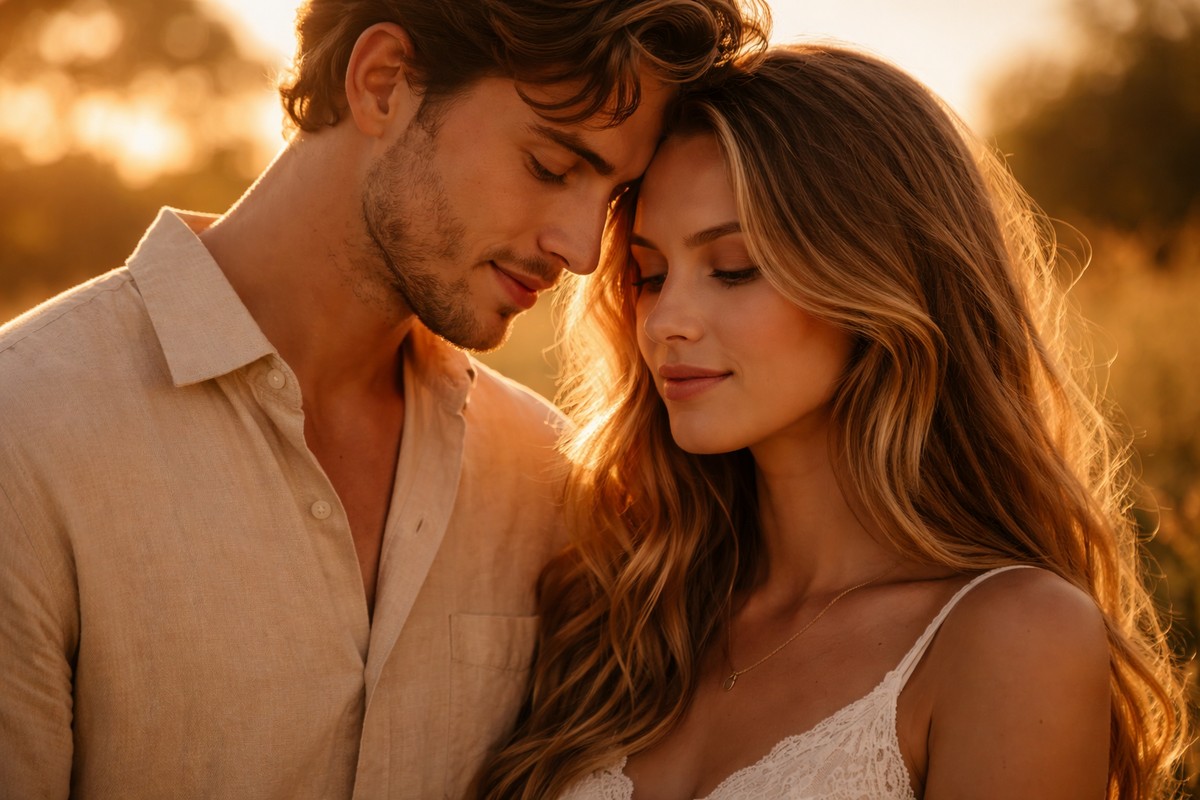
Warm presets add emotional tone and softness.
Characteristics:
- warm highlights
- gentle shadows
- slightly lifted exposure
- smooth skin tones
Best for:
- couples
- family sessions
- golden hour portraits
- lifestyle shoots
Warm presets feel inviting and personal.
Moody Portrait Presets
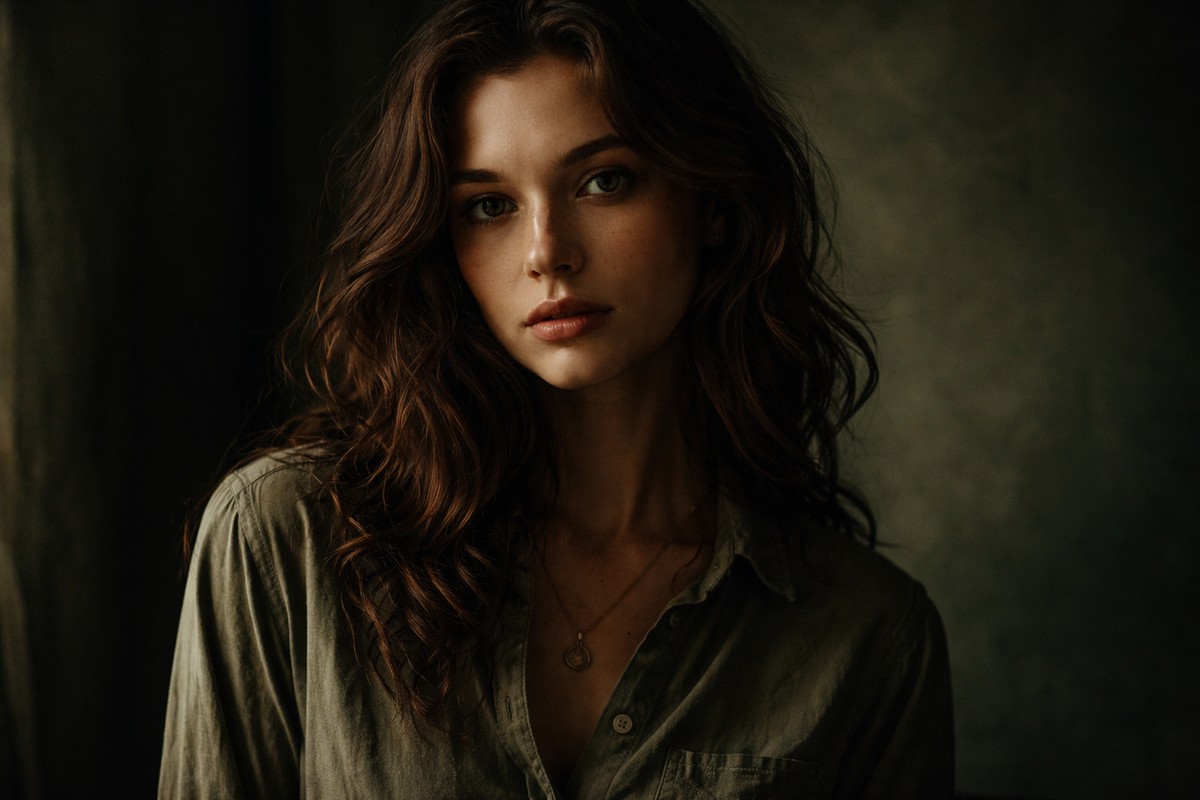
Moody portrait presets are more stylized.
They often include:
- darker shadows
- muted greens
- reduced saturation
- cinematic contrast
Best for:
- creative portraits
- storytelling
- editorial work
They require careful skin tone adjustment to avoid muddy results.
Film-Inspired Portrait Presets
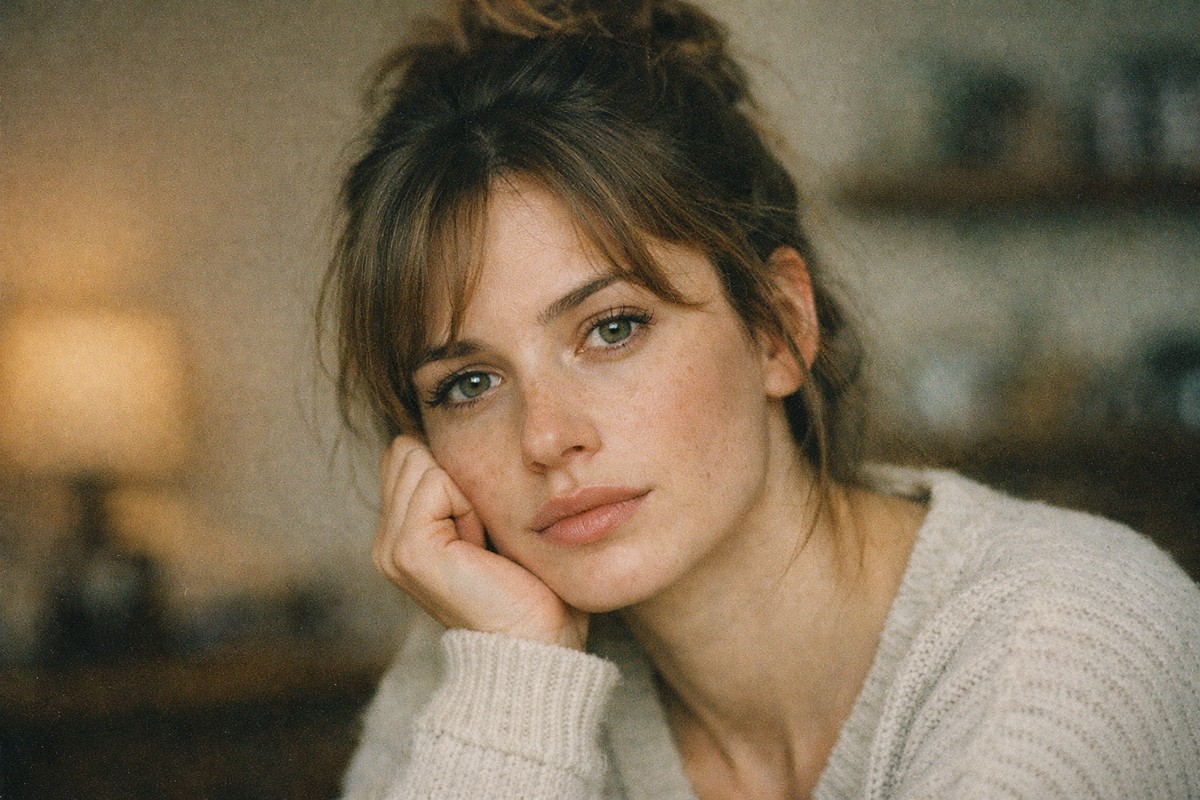
Film presets are extremely popular for portraits because they soften digital sharpness.
Common traits:
- lifted blacks
- subtle grain
- gentle color shifts
- natural skin tones
Best for:
- editorial portraits
- creative lifestyle photography
- photographers who want a timeless look
Film presets work especially well with natural light.
Minimal & Bright Portrait Presets
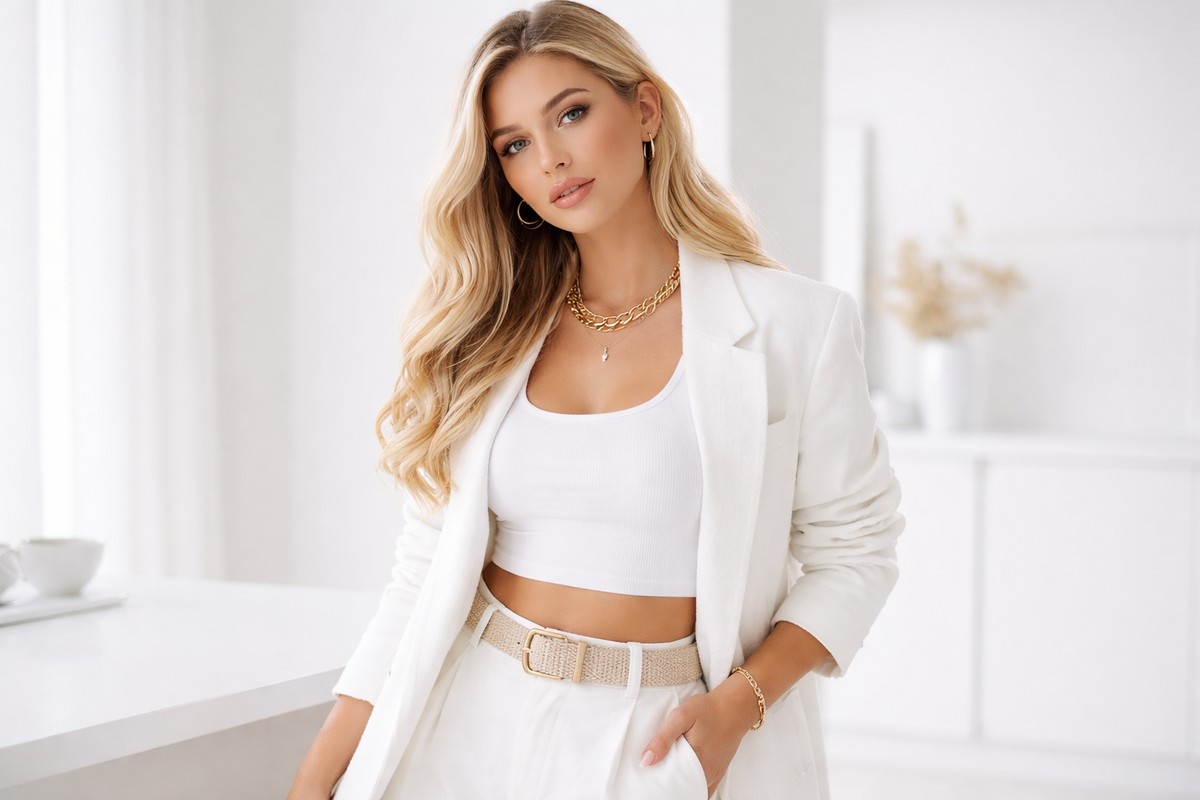
These presets focus on clarity and cleanliness.
Features:
- bright whites
- low saturation
- minimal contrast
- crisp details
Best for:
- social media
- fashion
- influencers
- modern branding
They work well when lighting is already clean.
How to Choose the Best Portrait Presets for Your Style
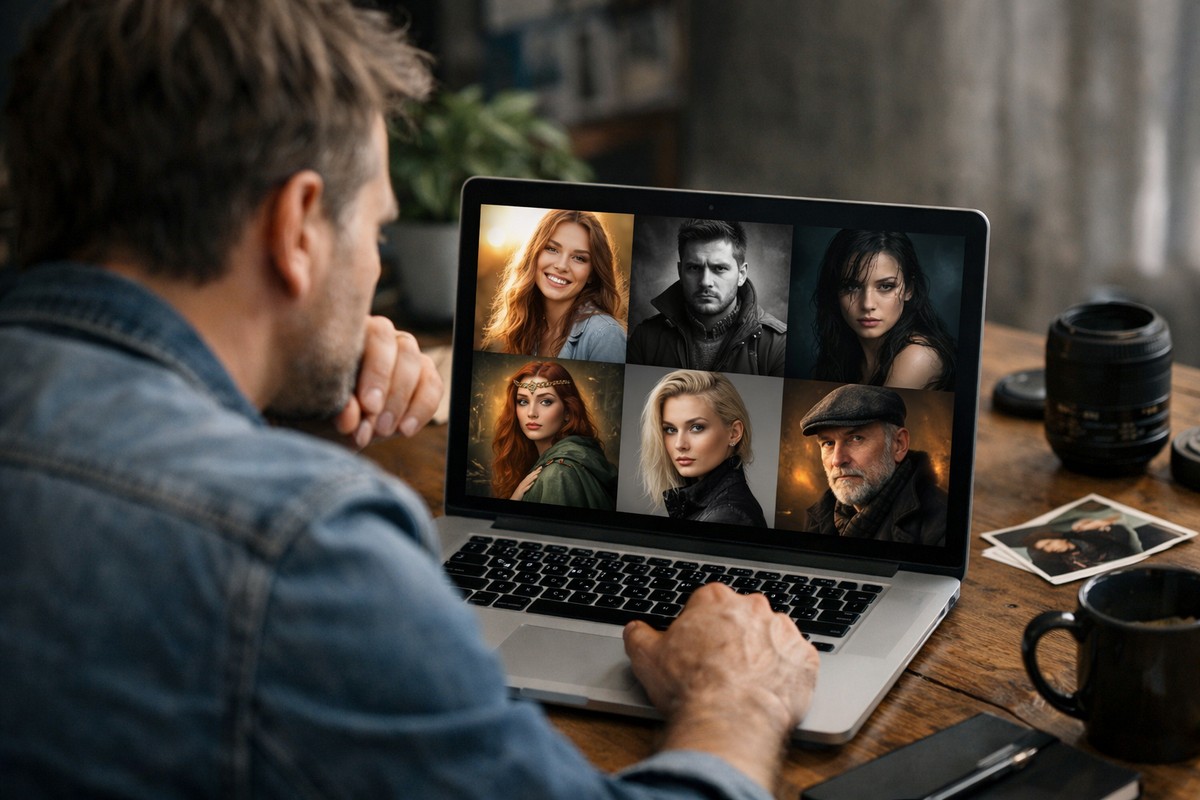
Choosing presets isn’t about buying the biggest pack. It’s about fit.
Ask yourself:
- do I shoot indoors or outdoors more often?
- do I prefer warm or neutral tones?
- do I want subtle or stylized edits?
- do I edit large batches of photos?
Your preset should match how you shoot, not force you to fight against it.
How to Use Portrait Presets Correctly
Even the best preset needs small adjustments.
Step 1: Fix Exposure First
Never judge a preset on a badly exposed image.
Step 2: Adjust White Balance
Skin tone issues are often white balance problems.
Step 3: Dial Back Intensity
Most presets look better at 70–90% strength.
Step 4: Fine-Tune Skin Colors
Use the orange channel to perfect skin tone.
Presets should speed you up — not lock you in.
Common Mistakes When Using Portrait Presets
Avoid these and your portraits will instantly improve.
- applying presets before exposure correction
- using landscape presets on faces
- ignoring skin tone shifts
- adding extra clarity on top of presets
- over-sharpening skin
Portraits require restraint.
Portrait Presets for Different Lighting Conditions
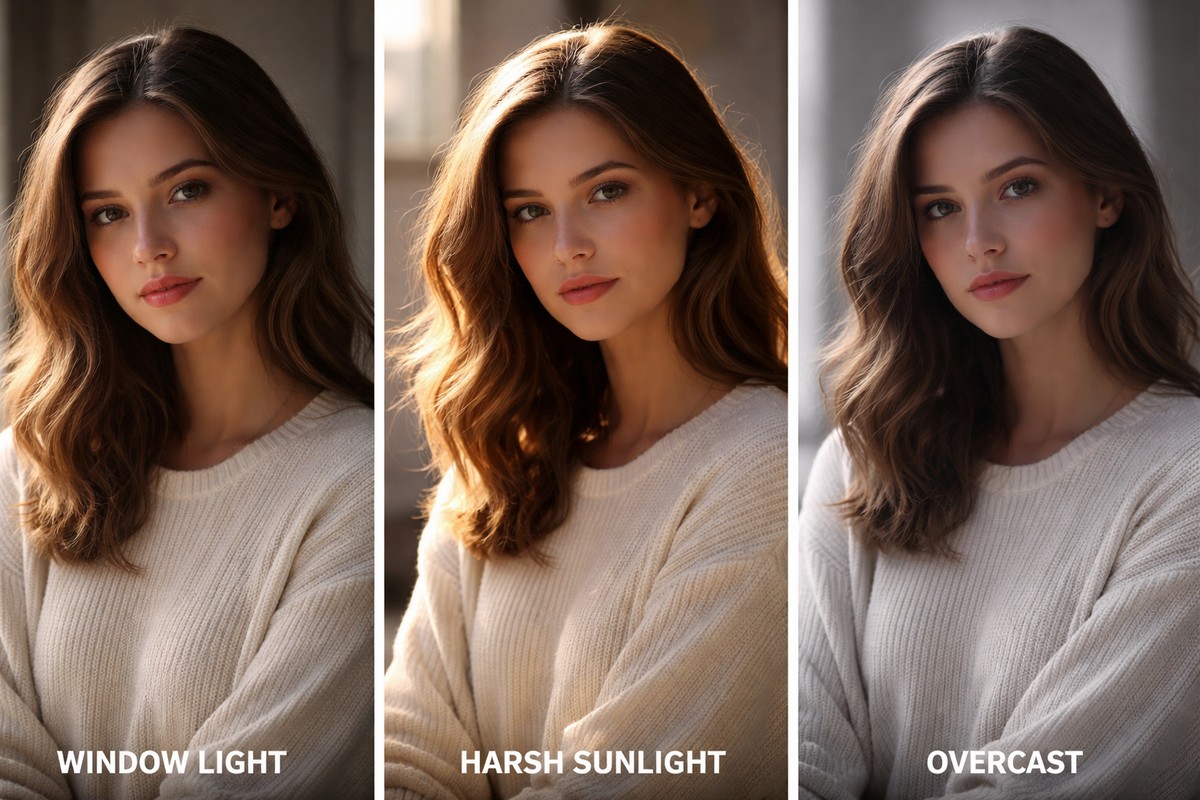
Lighting matters more than preset choice.
Natural Window Light
Use clean or warm presets with soft contrast.
Outdoor Harsh Sun
Lower highlights and contrast before applying presets.
Overcast Light
Moody or film presets work especially well here.
Indoor Artificial Light
Be careful with color balance — presets react strongly to mixed lighting.
Lightroom Desktop vs Mobile for Portrait Presets
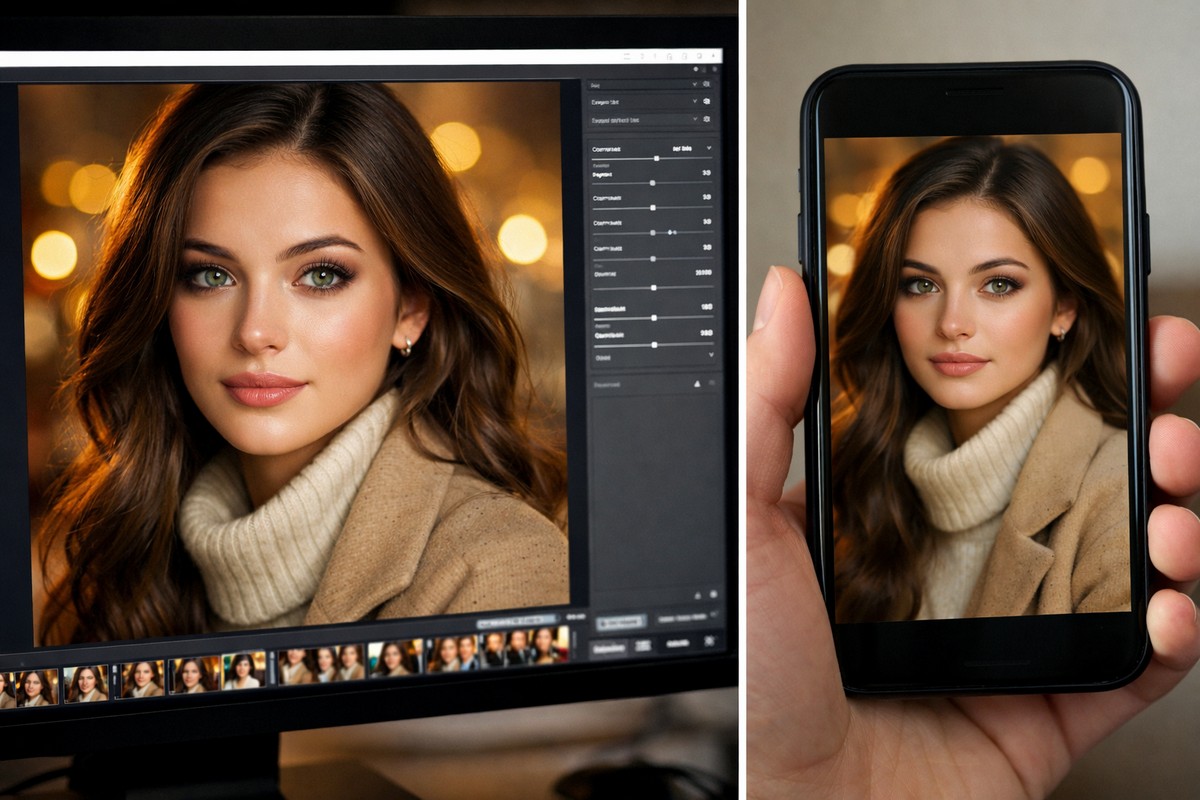
Both work, but expectations should differ.
Desktop:
- more control
- better for RAW files
- ideal for client work
Mobile:
- fast edits
- great for social media
- limited fine control
Are Free Portrait Presets Worth Using?
They can help you experiment, but most free presets:
- oversaturate skin
- break contrast
- lack consistency
- work only in one lighting condition
If portraits matter to you, quality presets save time and frustration.
Building a Portrait Workflow Around Presets
A professional workflow looks like this:
- Import RAW files
- Fix exposure and white balance
- Apply portrait preset
- Adjust skin tones
- Add subtle sharpening
- Export consistently
Consistency builds trust — especially with clients.
Final Thoughts: The Best Portrait Presets Are Subtle
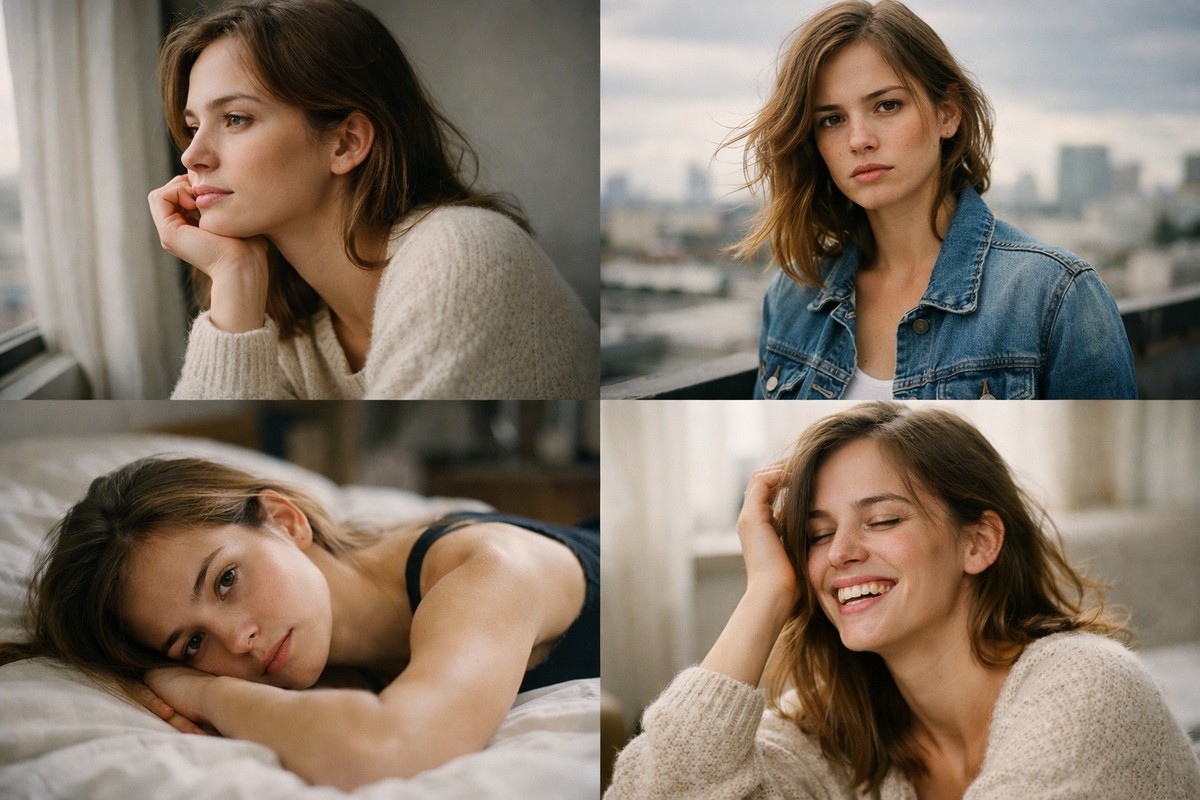
The best Lightroom presets for portraits don’t scream “preset.” They quietly support your vision, enhance skin tones, and keep edits consistent across shoots.
If your presets:
- preserve natural skin
- work in different lighting
- are easy to adjust
- save you time
…you’re using the right ones.
LIGHTROOM PRESETS
If you want to level up your photo editing and color grading, I’ve put together a page with my favorite presets — the ones that actually work — plus exclusive discounts. Open it in a new tab and save it for later, so you always have a go-to place for reliable tools and inspiration.
TAKE A LOOK

